Install your products
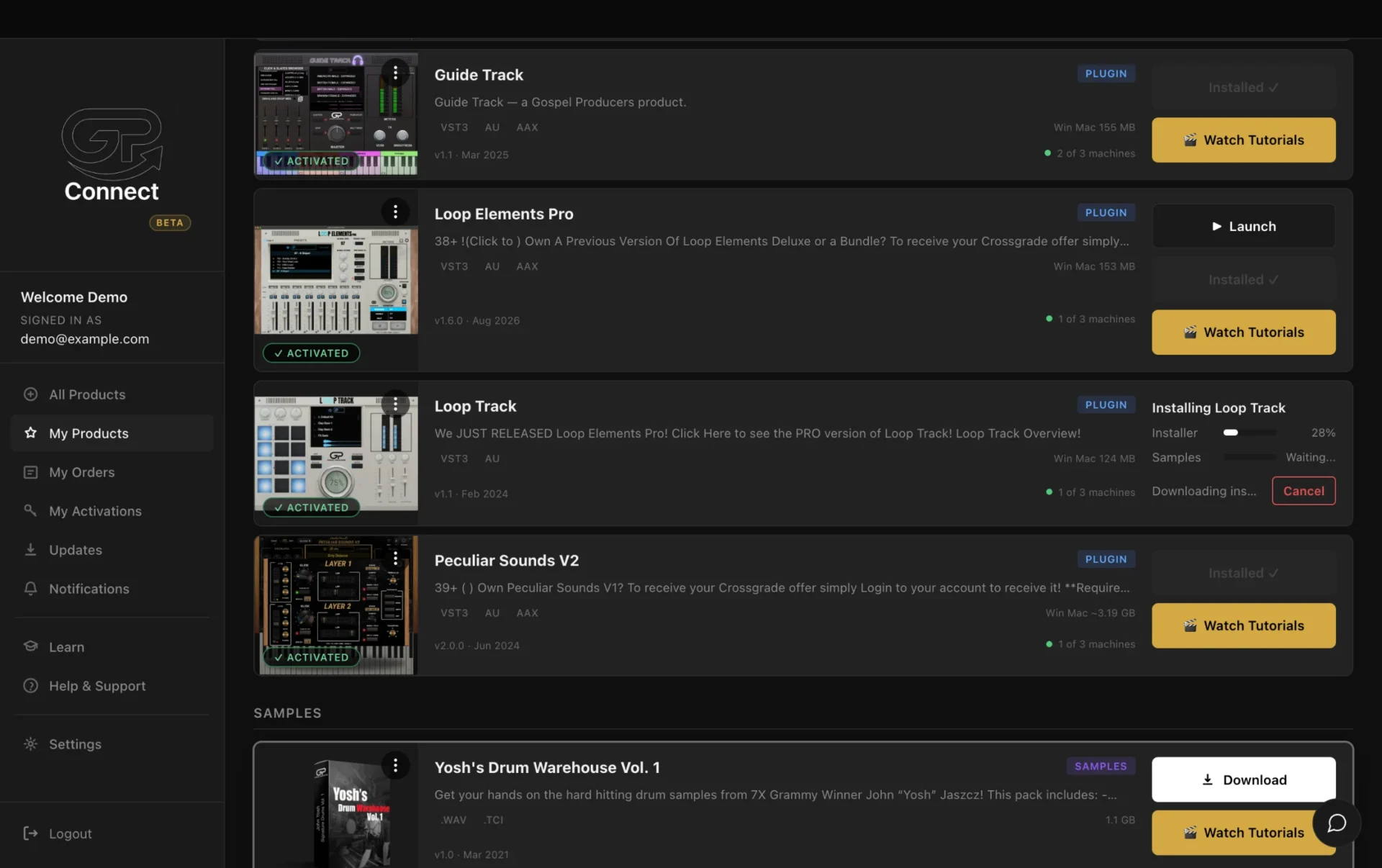
In My Products, click Download & Install and follow the installer. Say yes to activation and the plugin opens ready to use.
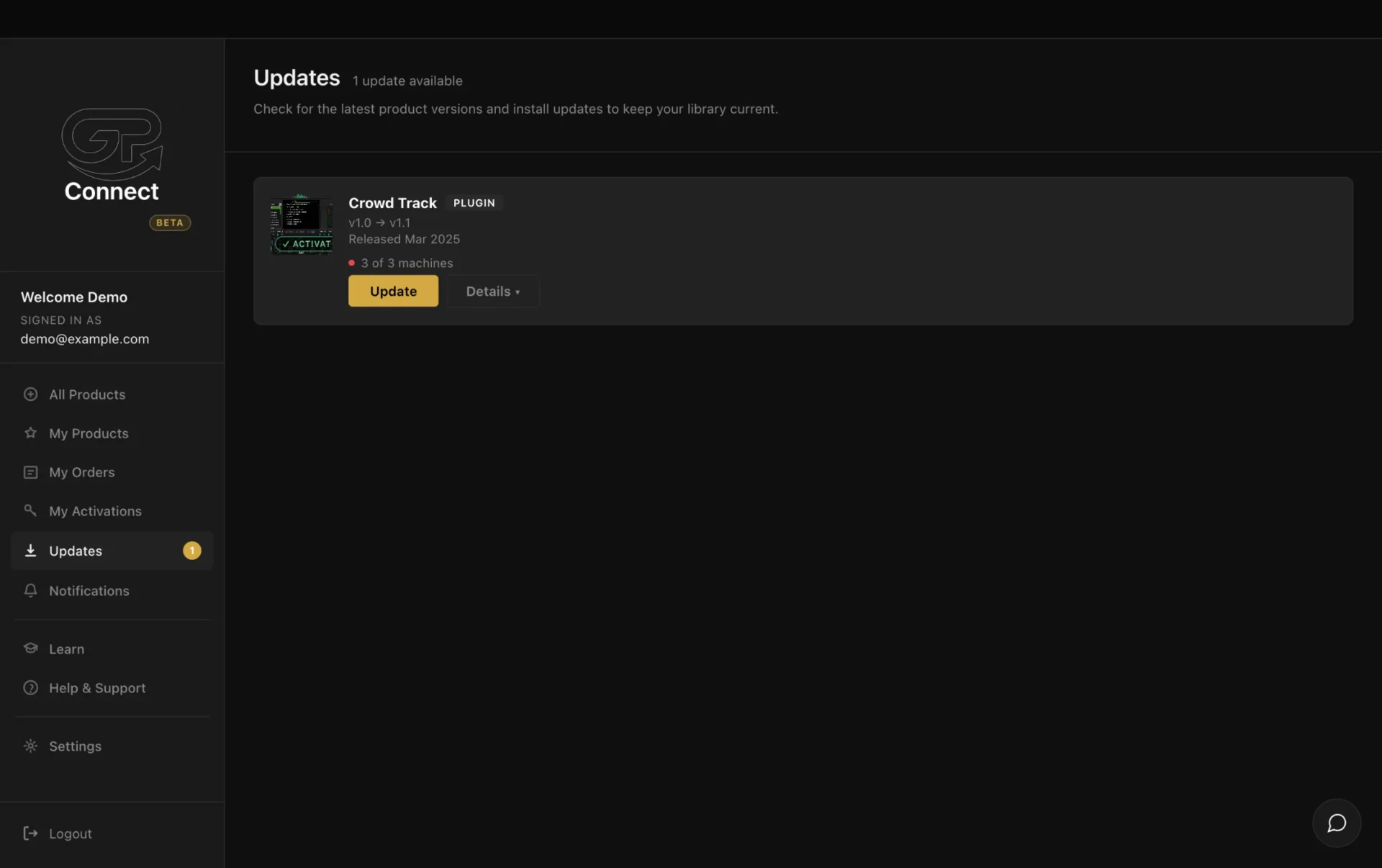
Stay up to date
Check the Updates page whenever the sidebar shows something waiting.
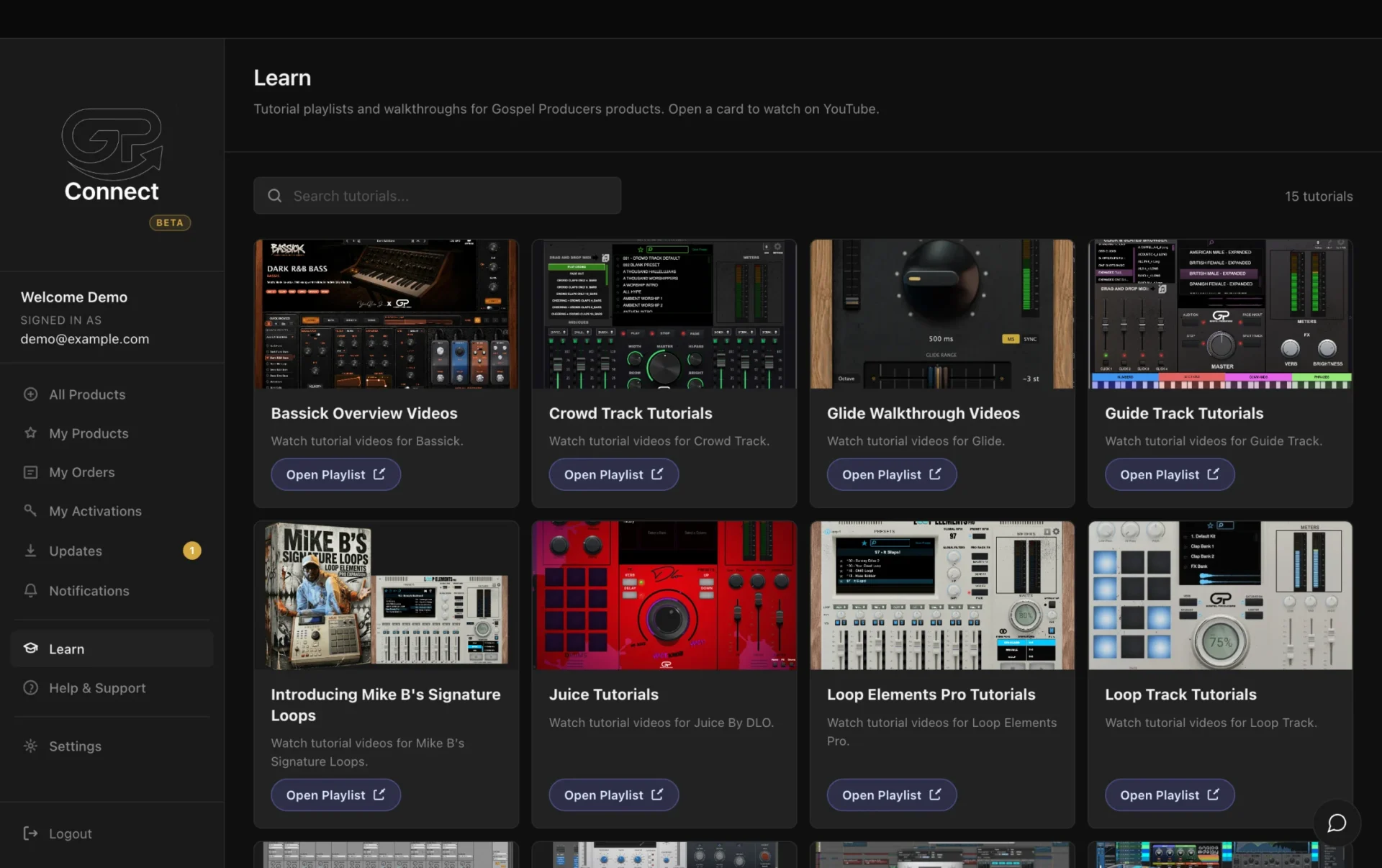
One app to install, update, and manage every Gospel Producers plugin, sample pack, and template you own. No more hunting through downloads.
In My Products, click Download & Install and follow the installer. Say yes to activation and the plugin opens ready to use.
Check the Updates page whenever the sidebar shows something waiting.
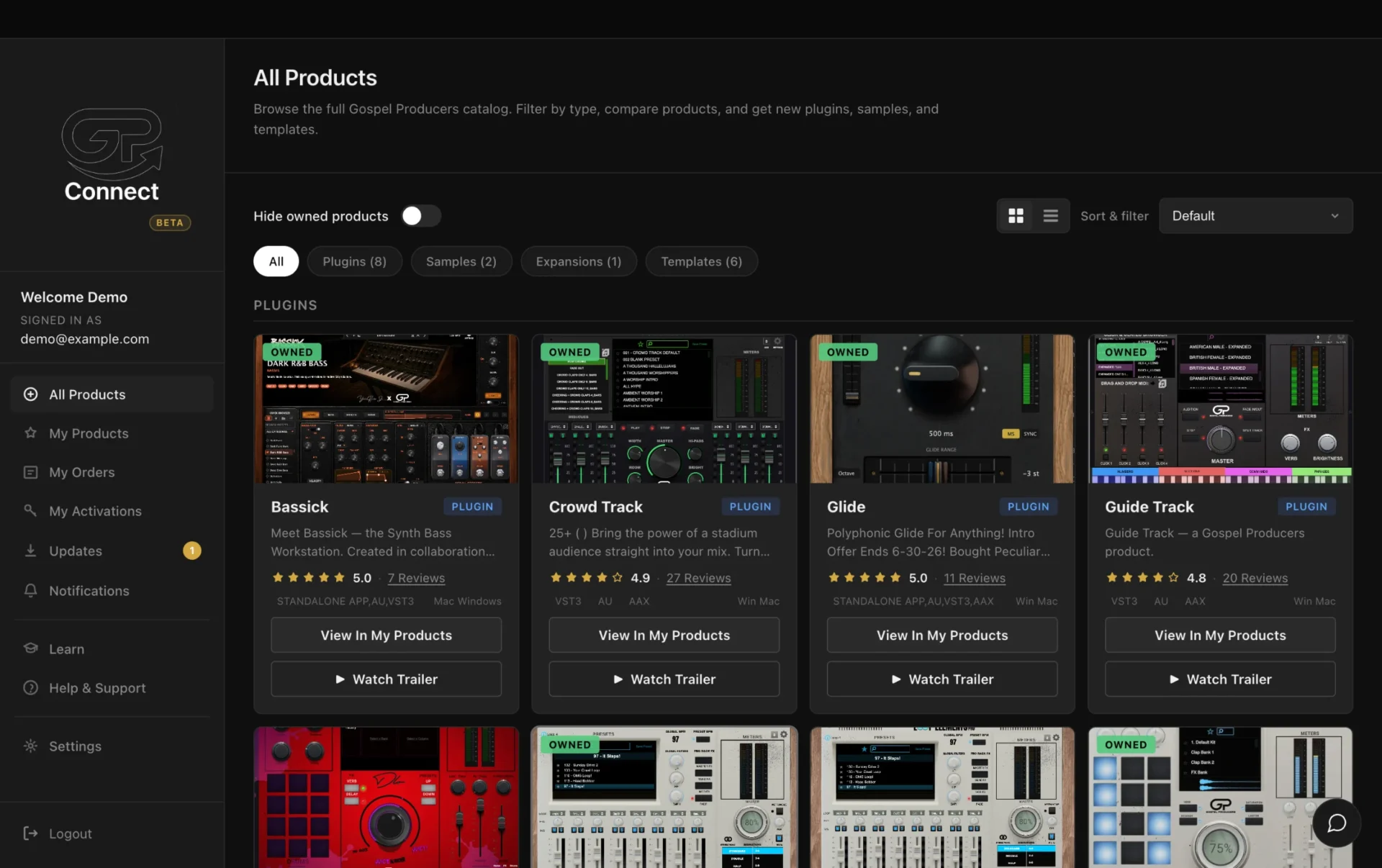
See every Gospel Producers plugin, sample pack, expansion, and template. Filter by type and spot what you already own.
Click Download & Install and follow the progress on the product's card. Sample libraries install right into your Samples folder.
The Updates page lists every product with a newer version. GP Connect checks what's actually installed on your Mac, and Details shows what changed.
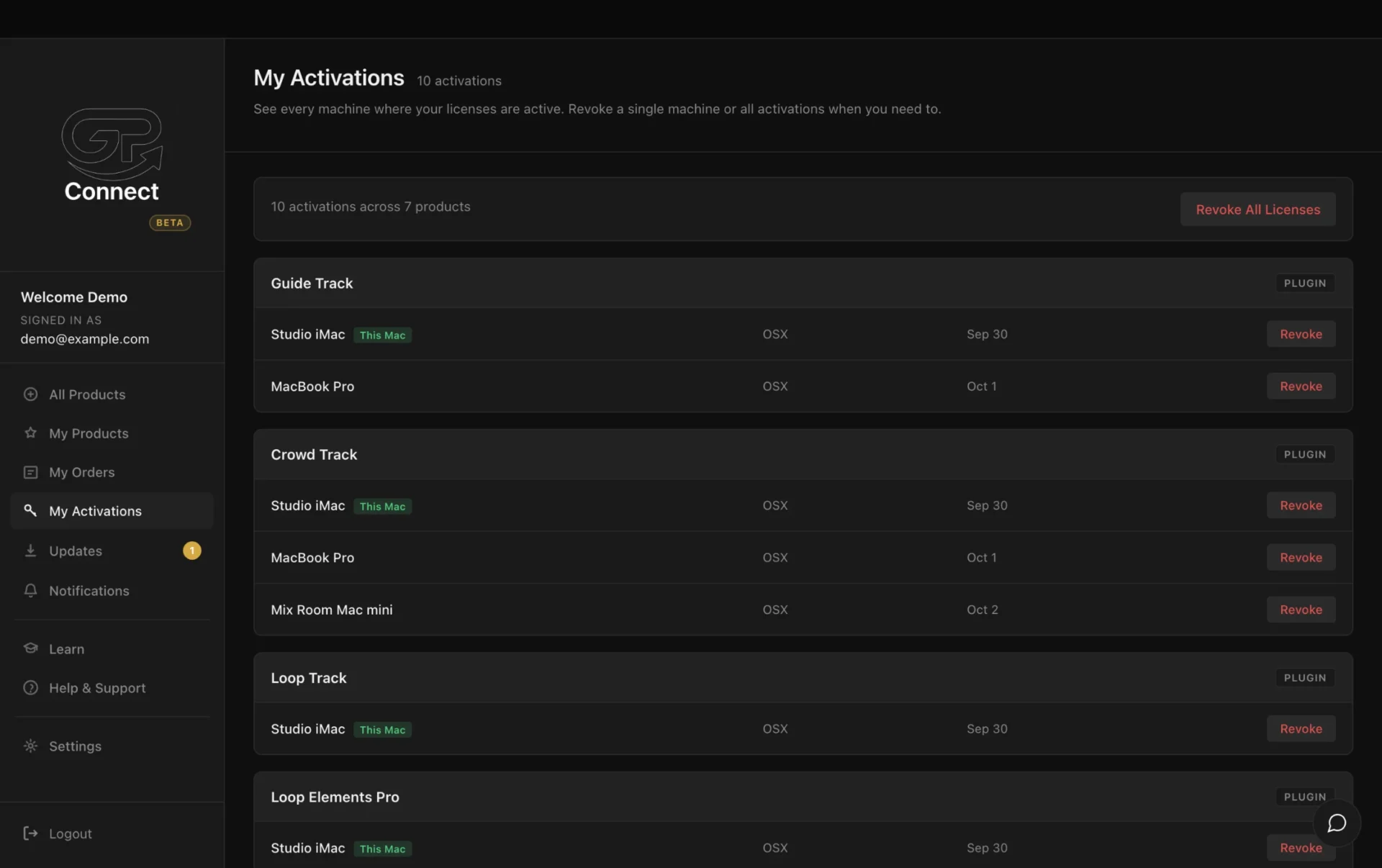
Each product can be active on up to 3 of your computers at a time. My Activations shows them all and lets you free up a slot with Revoke.
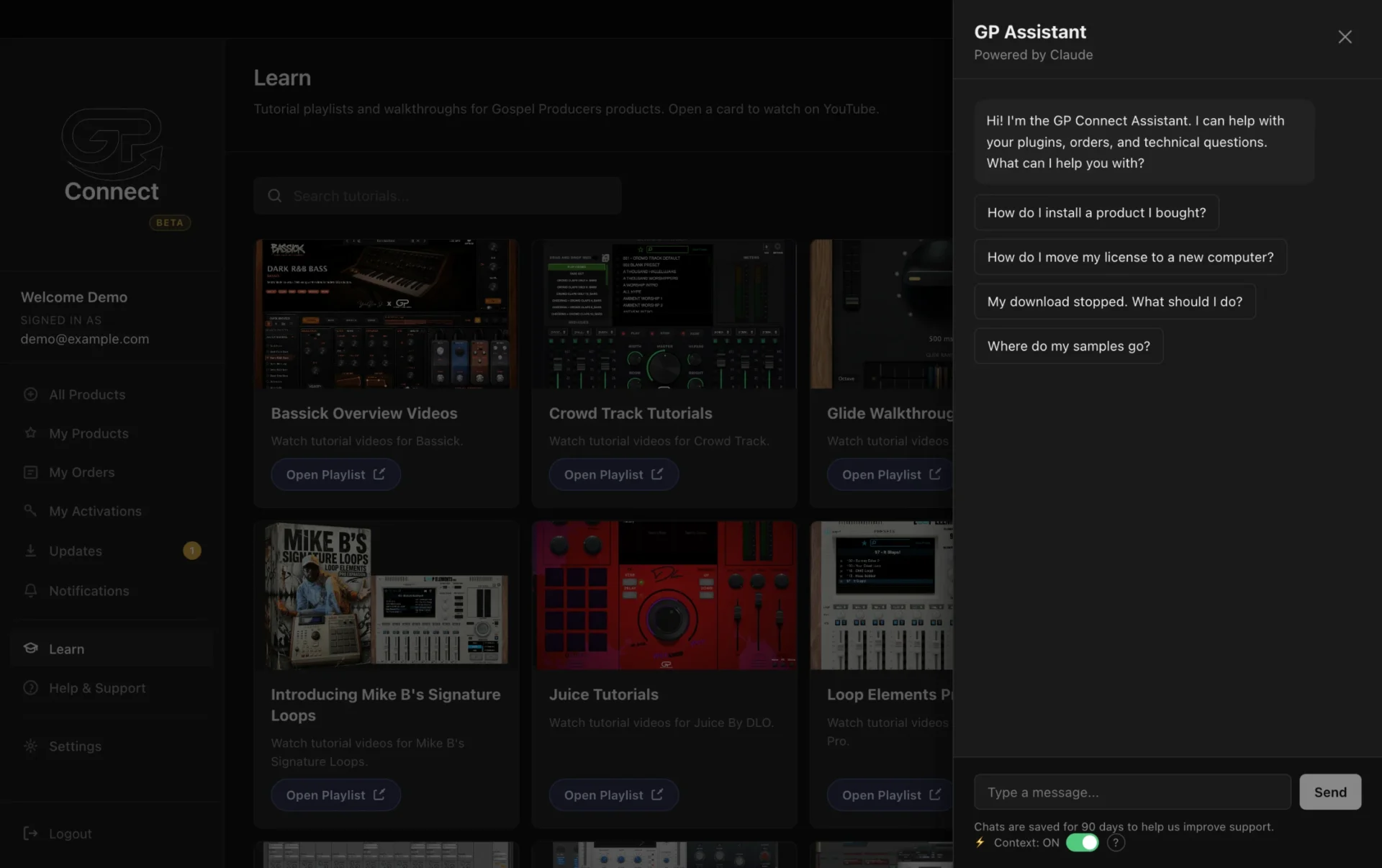
Tutorials and support, built right in.